Analysing My HSBC Bank Statements
Originally I wanted to analyse my HSBC bank statements from 2014. 2014 was a great year for me, I started off the year by launching a new app, joined a game development company and rented an apartment with a friend. Unfortunately my 2014 bank statements from HSBC’s internet banking are no longer available, it seems they only go back a few years. So let’s go through my 2015 bank statements instead. 2015 was quite a tough year for me, I left my job as a game developer because an app I personally created was selling so well. A few weeks after I left work, my app was removed from Google Play. Over the next few months I worked on an iPhone app.
Five ways I handled my OutOfMemoryErrors
I use Grafana to create graphs that show me various business and performance metrics for Bank Statement Converter. One of the graphs I created tracks the number of Internal Server Errors the server returns to its clients. I do this by writing a record into the database whenever a 500 is sent to the client. This graph has been really helpful for ironing out bugs I didn’t anticipate. Last Thursday at 12:55 AM HKT my servers started throwing Java’s infamous OutOfMemoryErrors.
National Australia Bank - Bank Statement Review
 The lowercase friendly NAB logo reminds me of Jeb Bush’s 2016 ‘Jeb!’ logo
National Australia Bank
- Formed in 1982 after the merging of National Bank of Australalasia and the Commercial Banking Company of Sydney.
- The 21st largest bank by market capitalisation.
- They have an Irish subsidary called Danske Banke, which was formerly known as National Irish Bank.
Sounds like a pretty good bank, but how good are their PDFs? We will answer that by reviewing one of their home loan statements.
HSBC HK Credit Card Statement Review
 Are the people in this building good at making PDFs?
I’ve seen quite a few statements when helping customers get through issues converting bank statements. A lot of bank statements follow a logical structured format that is easy for a human to read and easy for an algorithm to extract data from. You’d think it’s something that would normalise into a standard format, banks would look at statements from other banks and copy the bank with the best statements. I suppose the quality of a bank statement format is something subjective. Let’s start off with HSBC Hong Kong’s credit card statement format.
Why I Created Bank Statement Converter
I own a limited liability company in Hong Kong called Dragon King Creation Limited. The company has no employees, I’m the sole director and I own 100% of the shares of the company. I created the company in 2015 to manage the revenues from my Android and iPhone application sales. The company doesn’t make a lot of money, but it’s still officially a company. Every year limited companies in Hong Kong must go through an audit. When I go through this audit process my accountant asks me a bunch of questions and asks for various files, including bank statements and credit card statements.
Extract Tables From PDF
Getting data from a PDF file into an Excel file is a major pain in the ass. A lot of people resort to manually copying it. If you want to automate the conversion follow the steps below
- Go to bankstatementconverter.com
- Click the Convert a PDF button
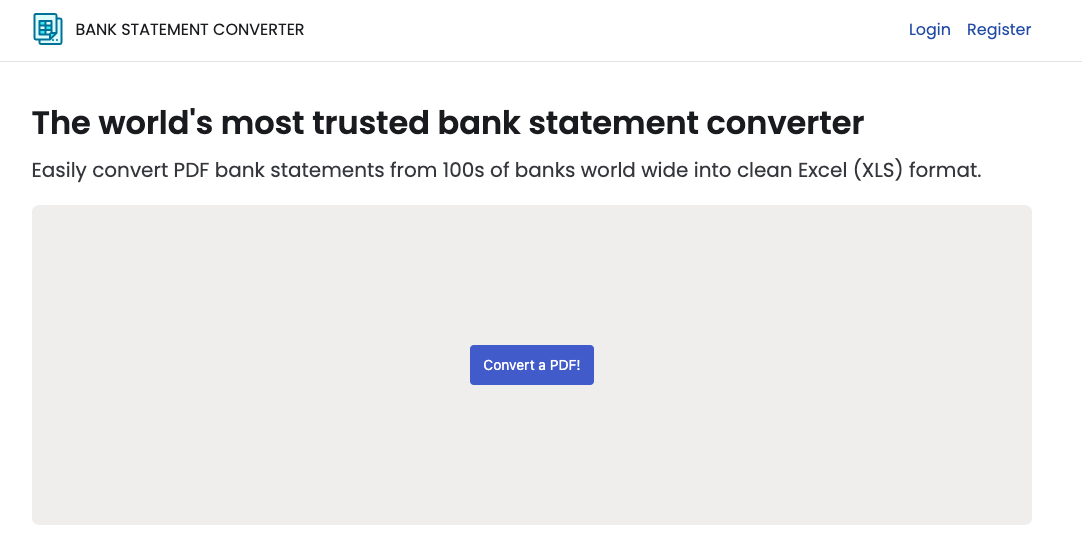
- Select the PDF you want to convert
- Wait for it to finish uploading
- Press the inspect button
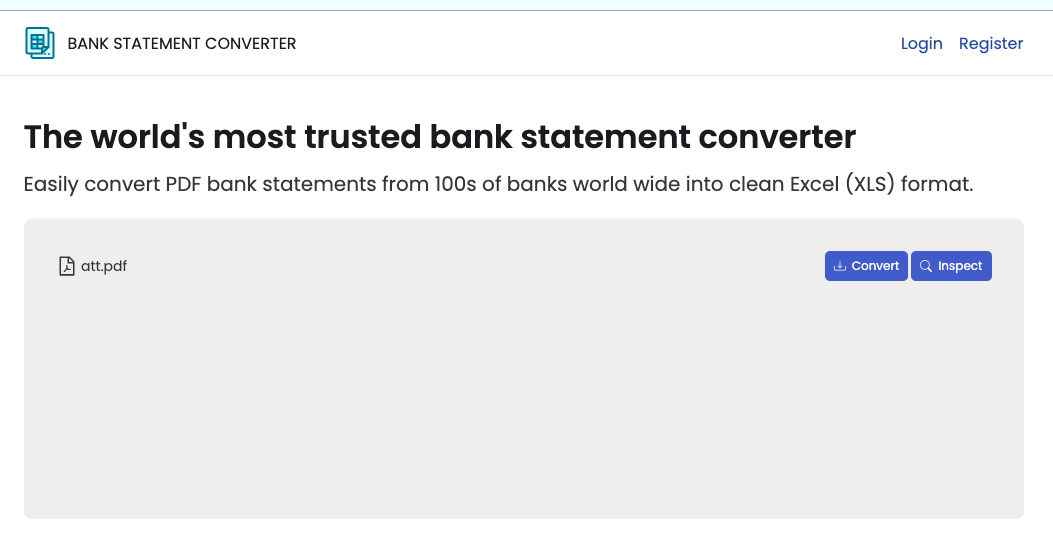
- You should be taken to a page where you can see the PDF you uploaded.
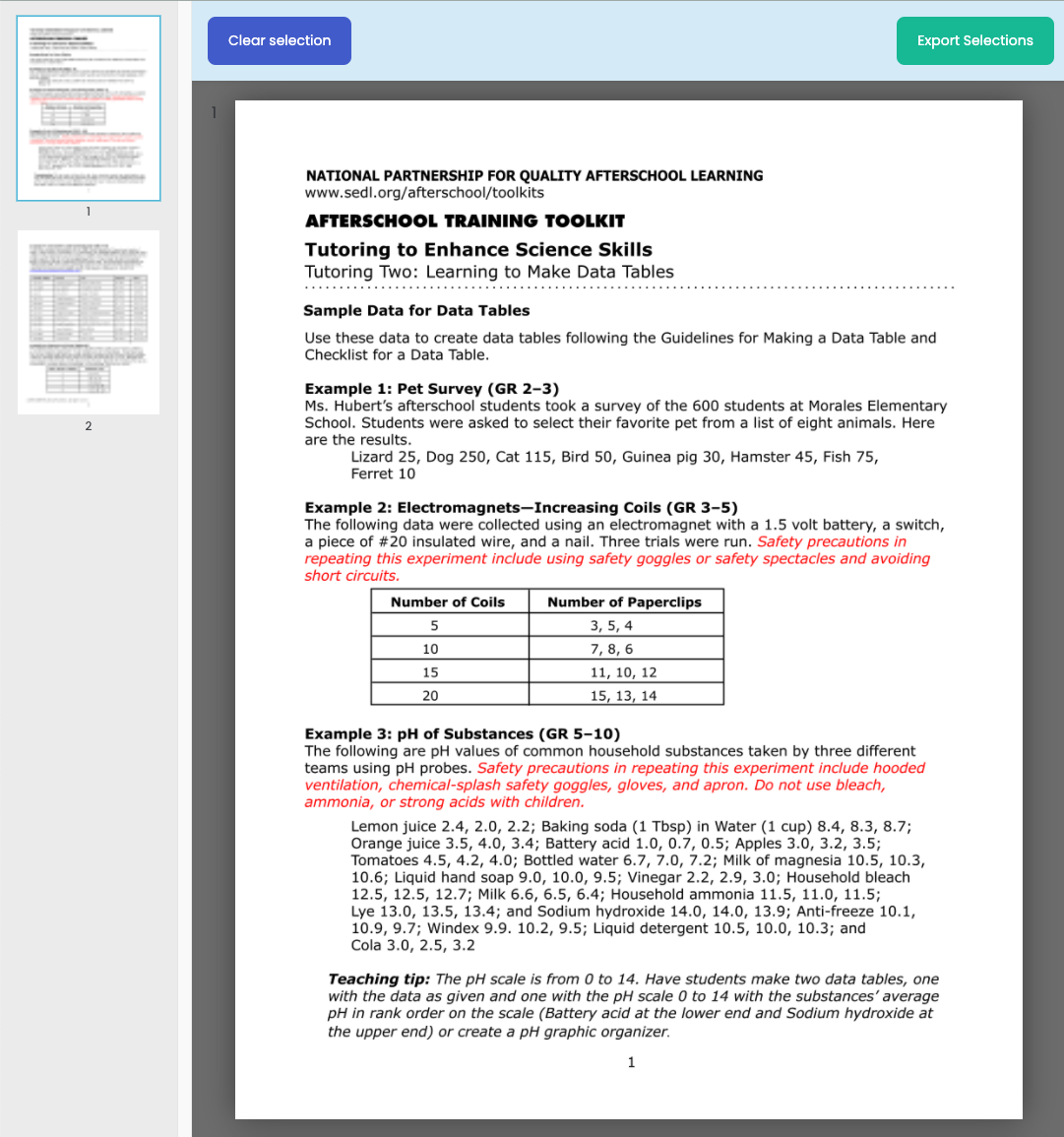
- Drag a rectangle region onto the page. You should see something like the screenshot below. Keep dragging regions until you’ve selected all the data you want to extract.
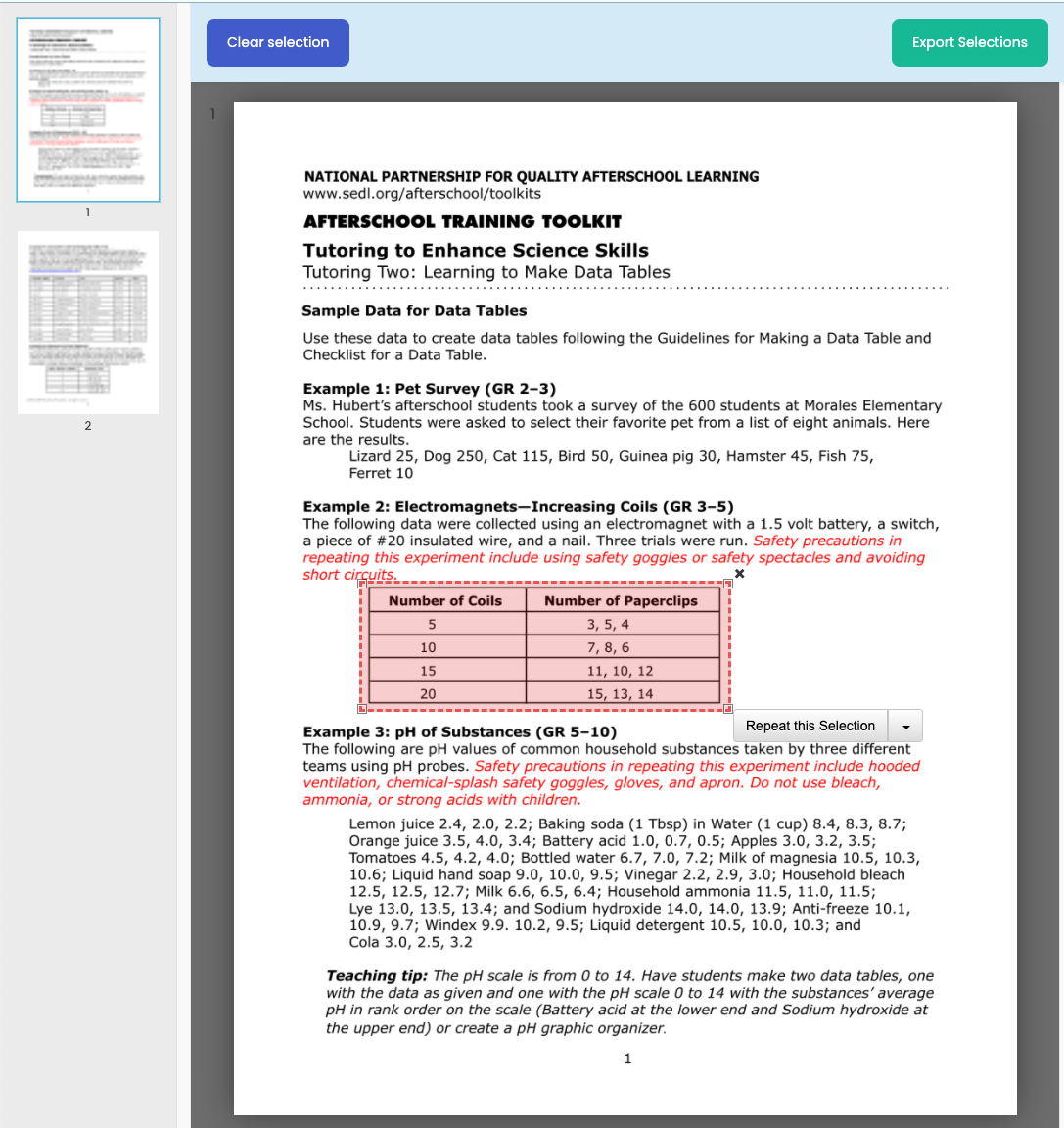
- Click the Export Selections button. You should see a page like the screenshot below:
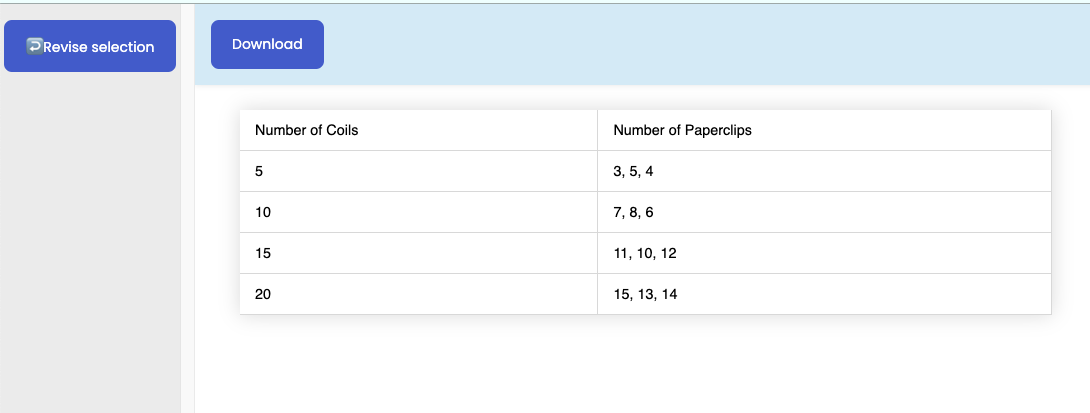
- Press the Download button. A CSV with the data you want should start downloading.
That’s it! If you have special requirements or questions feel free to send us an email
Twitter OAuth 1.0a with Ktor
I’ve been working on a new project that requires lots of different social sign in providers. This meant I needed to learn what OAuth is and how to create the APIs to communicate with OAuth providers like Facebook, Google, Github and… Twitter. The first three providers were very easy to work with, Twitter was not. I spent about five hours reading Twitter’s documentation, going through blog post and libraries and writing code. This is how I got it working.
Convert Scanned Bank Statements to Excel
A few weeks ago I got an email from a user in Australia, it read “I uploaded a bank statement and nothing happens How do I see the converted file?”. I took a look at my Grafana dashboards and figured out this user had uploaded an image based PDF, probably a scanned bank statement. I’ve replied to quite a few users telling us that scanned documents don’t work. I fished out a reply from my sent folder and sent it to this user.